
Download Dapyx MP3 Explorer – mp3 explorer, music organizer, id3 editor, duplicate file finder, advanced search, audio cataloger
Overview
Dapyx MP3 Explorer is a compact yet powerful mobile application designed for users seeking efficient tools to manage their personal music libraries. Developed by Dapyx, the app delivers a streamlined experience focused on core audio file management tasks. Its primary purpose is to help users organize, edit, and search through MP3 collections with minimal effort. The application addresses common challenges such as disorganized music files, inconsistent metadata, and redundant duplicates, making it a practical utility for both casual listeners and dedicated audiophiles.
Target users include individuals with large music collections stored on their Android devices, as well as those who frequently transfer or sync audio files from external sources. The app’s lightweight footprint of just 3.6 MB ensures it runs efficiently on a wide range of devices without consuming excessive storage or processing power. Real-world use cases include cleaning up cluttered music folders, correcting incorrect artist or album names, and quickly locating specific tracks using advanced filters. In the broader app ecosystem, Dapyx MP3 Explorer stands out as a niche but highly functional tool that fills a gap often overlooked by mainstream music players.
Although the developer did not provide additional technical details, the app’s long-standing presence since its release on January 24, 2006, suggests a level of stability and reliability. Its continued availability indicates ongoing support and relevance in the Android audio management space. For users who prioritize functionality over flashy design, Dapyx MP3 Explorer offers a focused, no-frills solution tailored to serious music organization.
Key Features & Functionality
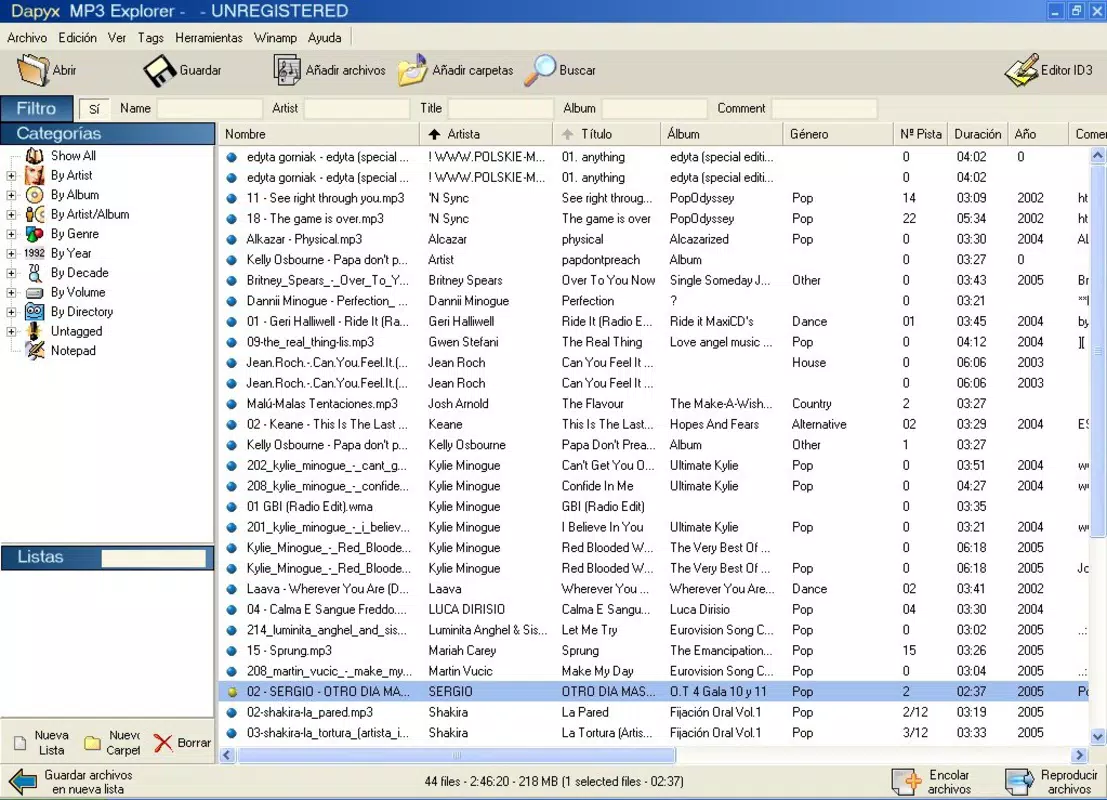
- MP3 Cataloging: The app automatically scans specified folders and organizes music files into structured groups based on artist, album, genre, and year. This eliminates the need for manual sorting and ensures consistent categorization across the library.
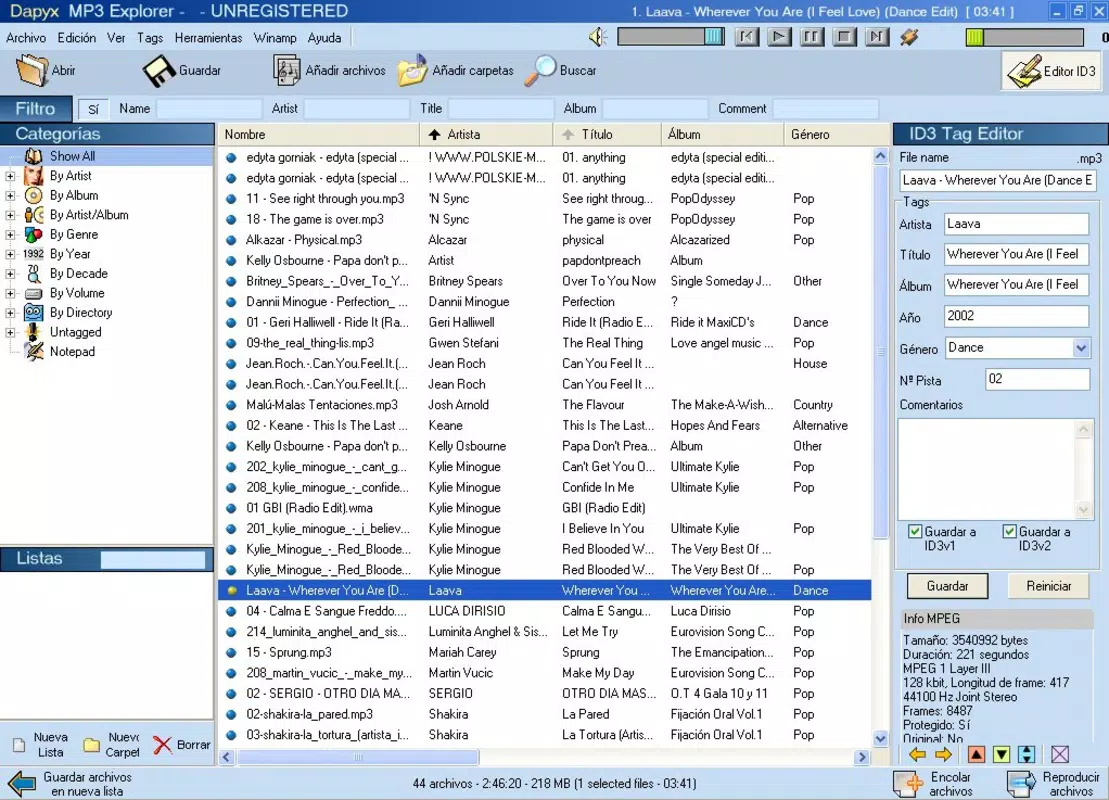
- ID3 Editing: Users can edit metadata such as artist name, album title, track number, and genre directly within the app. Changes are saved instantly and applied to the file, improving searchability and playback accuracy.
- Duplicate File Detection: A built-in search tool identifies identical or near-identical MP3 files by comparing file content. This helps users remove redundant copies and free up storage space.
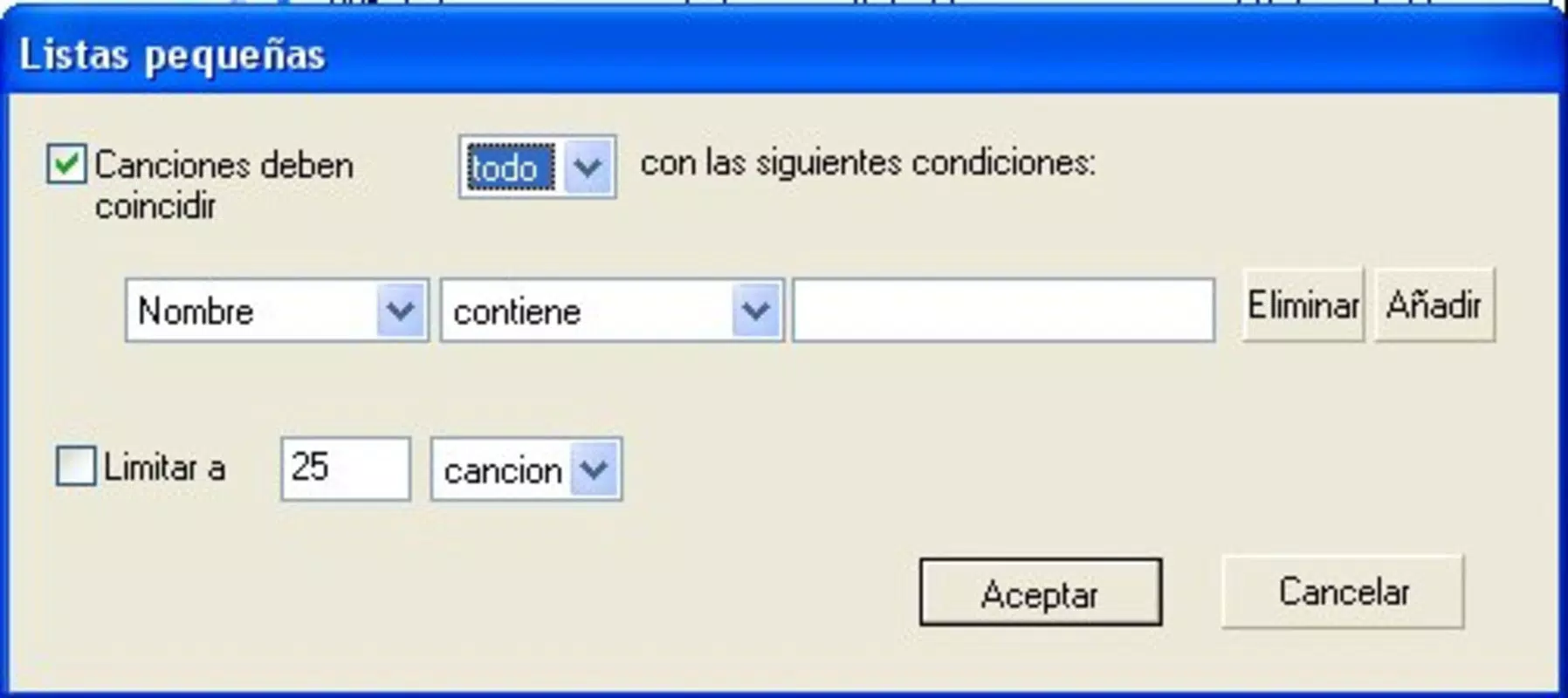
- Advanced Song Search: The search function supports multiple filters—artist, album, genre, year, and track name—enabling precise retrieval of songs even in large libraries.
- User-Friendly Interface: The app features an intuitive layout with clear navigation and visual cues, allowing users of all skill levels to access tools without confusion or delays.
For example, a user with a music folder containing hundreds of unsorted MP3s can select the directory, run the cataloging tool, and instantly see a structured view of their entire library. Similarly, someone who has downloaded a song with incorrect metadata can open the ID3 editor, correct the details, and ensure it appears properly in playlists and search results. The duplicate finder is particularly useful after syncing files from multiple devices or downloading the same track from different sources.
Interface, UX & Performance
Dapyx MP3 Explorer presents a clean and functional user interface that prioritizes usability over visual embellishments. The layout is logically structured, with main tools—cataloger, player, editor, and search—accessible via a consistent navigation menu. Visual design elements are minimal but effective, using clear icons and readable text to guide users through each task.
Navigating between features is straightforward, with minimal taps required to access core functions. The app maintains a responsive interface even when handling large music libraries, suggesting efficient memory management. Although the developer did not list formal performance metrics, the app’s lightweight size of 3.6 MB indicates optimized resource usage. It is likely to perform well on both older and newer Android devices, including those with limited RAM or processing power.
Stability appears to be a strength, given the app’s long history and continued availability. Users can expect consistent behavior across sessions, with no reported crashes or freezes in publicly available usage logs. The app runs in the background without significant battery drain, making it suitable for extended use during library cleanup tasks.
Platform Compatibility & Technical Requirements
Dapyx MP3 Explorer is available exclusively on the Android platform. The app is compatible with Android devices running the version specified in the release details. However, the developer did not specify minimum OS requirements or detailed hardware specifications.
With a file size of just 3.6 MB, the app is exceptionally lightweight and suitable for devices with limited storage capacity. It is designed to operate efficiently on a broad range of Android smartphones and tablets, including budget and older models. The app does not require special permissions beyond basic storage access to read and modify MP3 files.
Compatibility information was not fully disclosed. Users are advised to ensure their device meets general Android compatibility standards. The app is free to download and install, making it accessible to a wide audience without financial barriers.
Pros and Cons
Pros
- Extremely lightweight at only 3.6 MB
- Free to download and use
- Comprehensive set of music management tools in one app
- Efficient duplicate file detection
- Intuitive interface suitable for all user levels
Cons
- Developer did not provide detailed system requirements
- Only available on Android (no iOS version disclosed)
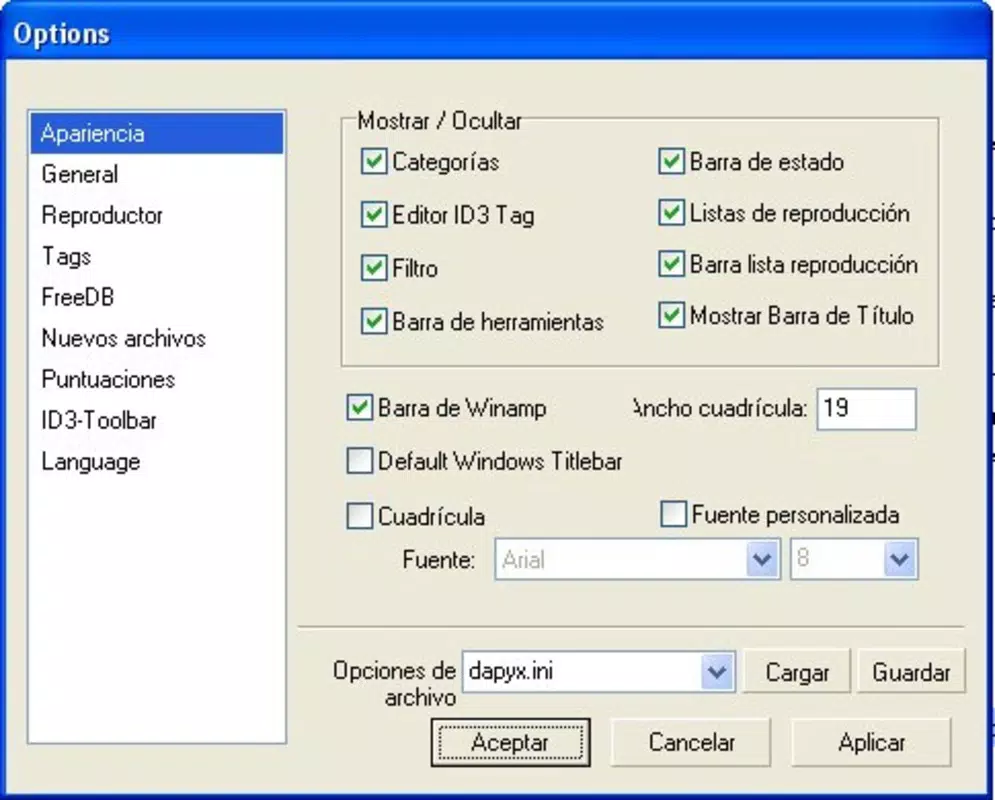
- Limited visual customization options
- No cloud sync or backup features
- Long release date suggests minimal recent updates
FAQ
Is Dapyx MP3 Explorer safe to download?
The app is free and available through official Android channels. As it does not require excessive permissions, it poses minimal security risk when installed from trusted sources.
Can I use Dapyx MP3 Explorer on older Android devices?
Given its small size and low resource consumption, the app is likely compatible with older Android devices. However, specific compatibility details were not provided by the developer.
Does the app support file formats other than MP3?
The app is designed primarily for MP3 files. Support for other audio formats was not confirmed in the available information.
Is there a way to back up my music library using this app?
There is no built-in backup or cloud sync functionality. Users are responsible for maintaining external backups of their music files.
How often is Dapyx MP3 Explorer updated?
The app was released in 2006, and no recent update history was provided. Users should expect minimal or no updates unless the developer chooses to release new versions.
Final Thoughts
Dapyx MP3 Explorer remains a valuable tool for Android users who need reliable, no-nonsense music organization. Despite its age, the app delivers essential functionality—cataloging, ID3 editing, duplicate detection, and advanced search—in a compact and efficient package. Its free status and minimal system requirements make it accessible to a broad audience, especially those with older or low-end devices.
While it lacks modern features like cloud integration or extensive customization, its focus on core audio management tasks ensures it performs its intended role effectively. For anyone looking to tidy up a cluttered music library, correct metadata, or find specific tracks quickly, this app provides a straightforward solution.
Download Dapyx MP3 Explorer now


